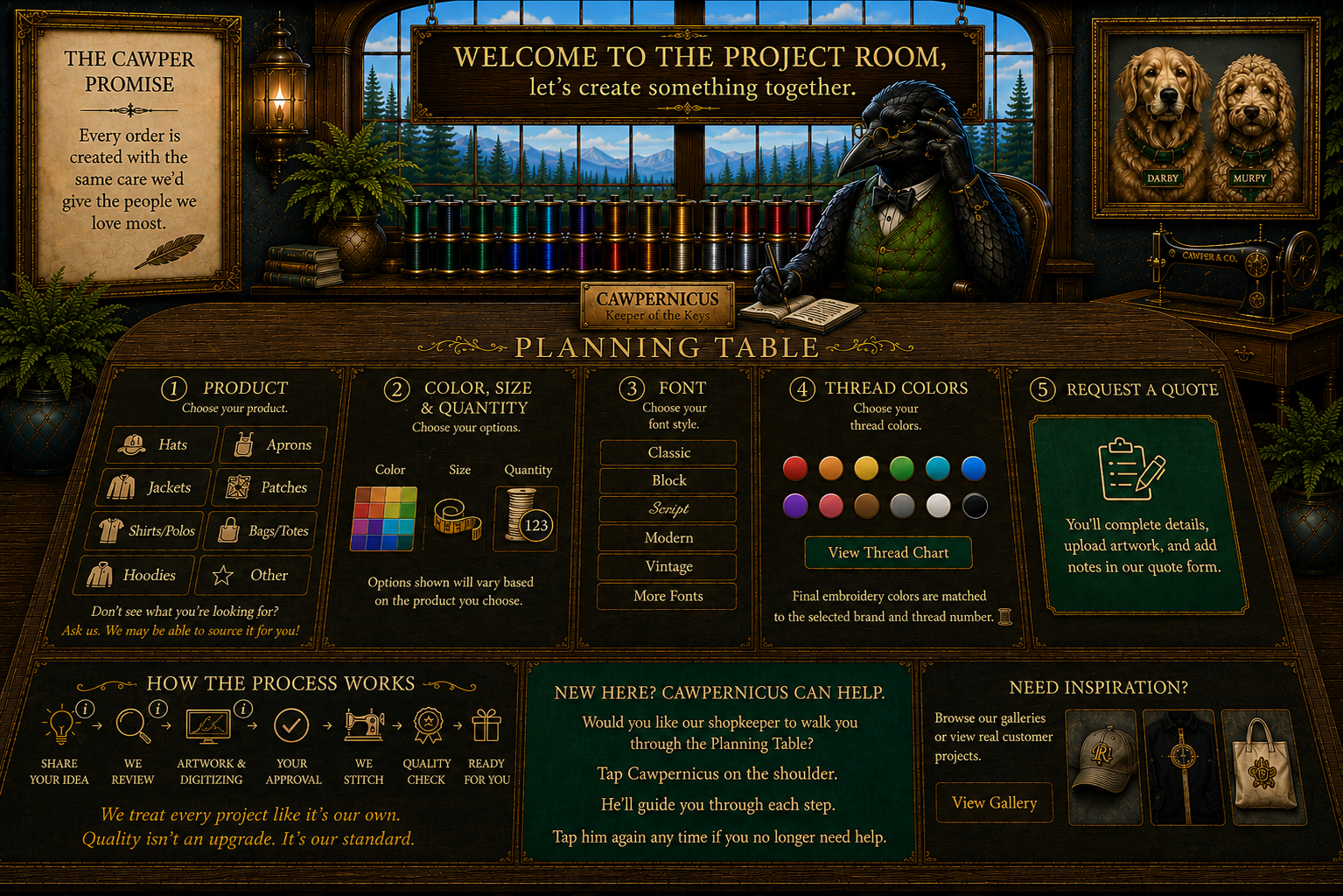
Step 1: Choose Your Product

Select the item you’d like us to work with.

Step 2: Color / Size / Quantity

Choose a color, then enter the quantity you need beside each size.

Total Quantity: 0

Step 3: Choose Your Font

Select the lettering style you prefer. We’ll confirm the final font with you before stitching.

Step 4: Choose Your Thread Colors

Select one or more colors. We’ll confirm the final thread shades with you before stitching.

Step 6: Notes & Details

Add any placement details, names, dates, special instructions, or anything else you want us to know about your project.

0 / 300

Step 7: Review & Submit

Review your selections below. Close this window if you need to return to the Planning Table and make a change.
Product
Not selected
Color / Size / Quantity
No quantities entered
Font
Not selected
Thread Colors
None selected
Artwork / Reference File
Upload your actual artwork or reference file on the final submission form.
Name
Email
Drag & Drop Files, Choose Files to Upload
Please enter the exact wording, names, dates, or other details you want embroidered (including upper or lower case letters.) If you selected "Other / Not Sure" for placement, tell us what you have in mind here.